
- font_admin
- November 18, 2025
- Character InputGlyphsSEO SymbolsSpecial CharactersText ToolsUnicodeUnicode Pad
Unicode Pad: Simplifying Special Character Input for Digital Content
Unicode Pad: Simplifying Special Character Input for Digital Content
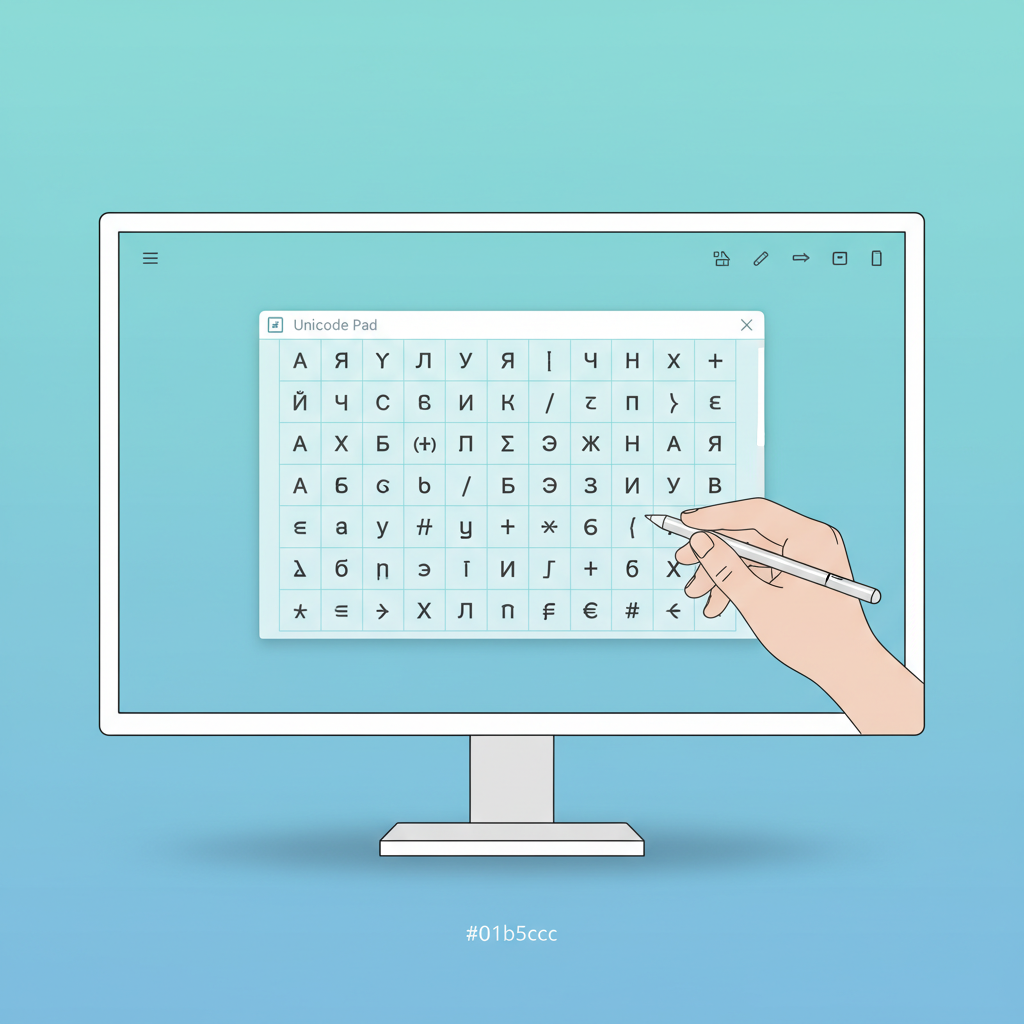
In the modern digital landscape, communication often requires more than just the basic 26 letters of the English alphabet. Whether you are a programmer, a designer, a multilingual content creator, or simply someone who needs to express complex ideas, accessing special symbols and international characters is crucial. This is where the powerful and user-friendly tool, the Unicode Pad, comes into play. It transforms the tedious process of inserting unique glyphs into a seamless experience, ensuring your content is rich, accurate, and globally accessible.
Understanding and utilizing the full spectrum of Unicode characters can dramatically enhance your digital output. Consequently, having a dedicated tool to manage this complexity is essential for efficiency.
The Challenge: Why Traditional Input Methods Are Obsolete
For years, users have relied on clunky, inefficient methods to input characters outside the standard keyboard layout. These methods, while functional, drastically slow down workflow and introduce the potential for errors.
Manual Alt Codes
Remember holding down the Alt key and typing a four-digit number? This relies entirely on memorizing hundreds of codes. Furthermore, it often fails across different operating systems or application environments, making it unreliable for professional work.
Operating System Character Maps
While helpful, native character maps require navigating multiple menus, searching through endless visual charts, and often copying and pasting the desired glyph. Therefore, what should take a second often ends up taking a minute or more.
Core Features of the Best Unicode Pad Tools
A top-tier Unicode Pad offers features that circumvent the limitations of traditional methods, providing a fast and accurate experience. Ease of use is paramount when dealing with thousands of characters.

- Instant Search Functionality: Quickly find characters by name, category, or code point, eliminating manual browsing.
- Character Grouping: Characters are logically organized by script (e.g., Latin, Cyrillic, Devanagari) or by function (e.g., mathematical symbols, emojis).
- Click-to-Copy: A single click inserts the character directly into the text field or copies it to the clipboard.
- Live Preview: See exactly how the character will render across different fonts and systems before you use it.
“The convenience offered by a dedicated Unicode Pad cannot be overstated. It moves character input from a specialized chore to a seamless part of the writing process.”
Digital Content Specialist
Mastering Character Input: How to Use the Unicode Pad Effectively
Using this tool is surprisingly straightforward. Since most online versions are designed for maximum accessibility, you can jump right in, even if you are new to the world of Unicode. However, following a few steps ensures you get the most out of it.
- Locate Your Desired Script: Use the categorical filters to narrow down the character set you need (e.g., selecting ‘Currency Symbols’ or ‘Greek Letters’).
- Search or Browse: If you know the name (e.g., ‘infinity’), use the search bar. Otherwise, browse the visual grid for the precise character you require.
- Select and Compile: Click on the characters you need. Most pads will compile your selections in an output box.
- Copy and Paste: Copy the resulting string of characters and paste it directly into your document, social media post, or code editor.
Applications of the Unicode Pad in Professional Environments
The utility of the Unicode Pad extends far beyond simple text decoration. Professionals across various fields rely on its precision and speed.

For SEO Specialists: Using specific Unicode characters can help headlines and meta descriptions stand out in search engine results pages (SERPs), provided they are used judiciously and do not violate platform guidelines.
For Programmers: Accessing specific control characters, mathematical operators, or specialized symbols often required in scripts and documentation is instantaneous. Consequently, this speeds up development cycles and reduces copy-paste errors from external references.

The enduring value of a reliable Unicode Pad
While keyboards evolve, the need to access the vast library of Unicode remains constant. A well-designed Unicode tool acts as an essential bridge between a standard input device and the limitless possibilities offered by the Unicode standard. It ensures that content creators are never restricted by hardware limitations.
This tool is especially valuable for users working with less common languages or specialized academic fields where precise symbol input is non-negotiable. Furthermore, dedicated online pads offer immediate access without needing any software installation.
Conclusion: Embrace Seamless Character Input
The days of struggling with arcane keyboard shortcuts and tedious character maps are over. By leveraging a high-quality online Unicode Pad, you gain immediate access to thousands of characters, empowering you to create richer, more professional, and globally compliant content. Make the smart choice today to streamline your workflow and unlock the true potential of Unicode.