Indian Font Converter | All Online Font Convertor & UnicodePad
๐Ÿ‡ฎ๐Ÿ‡ณ India's #1 Font Converter

Indian Font Converter โ€“ One Place For All Your Typing Work

All languages font converter, all languages text translator, multiple calligraphy tools, social media images and assets, fonts โ€” everything in one place.

1M+ Users Downloaded Our App
Indian Font Converter App
Font Converter App
Font Converter

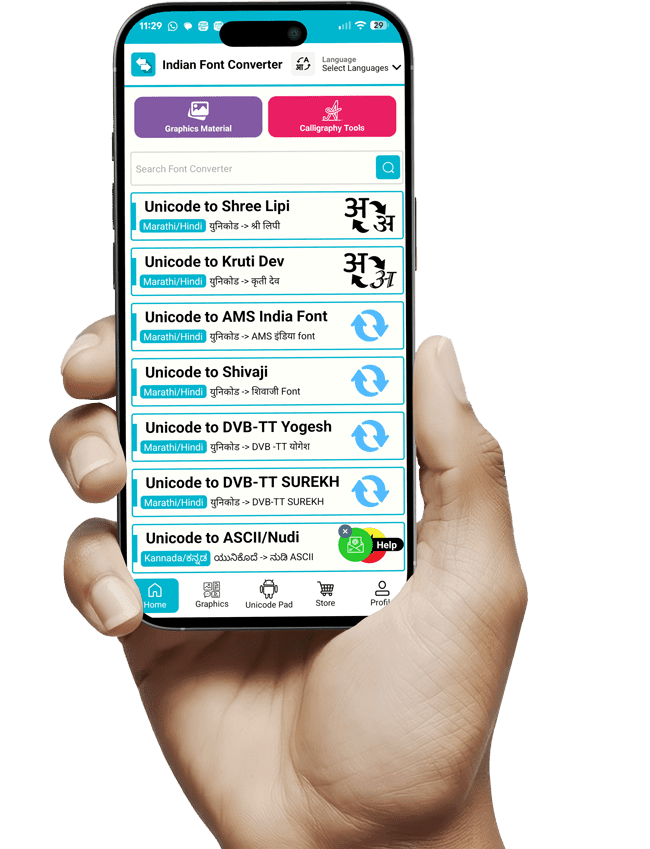
All Marathi, Hindi, Kannada, Gujarati, Tamil, Telugu Font Converters

Tired of remembering all custom fonts keyboard layout and typing getting difficult day by day? Here is the easiest way to convert your Unicode text into your intended font.

๐Ÿ“
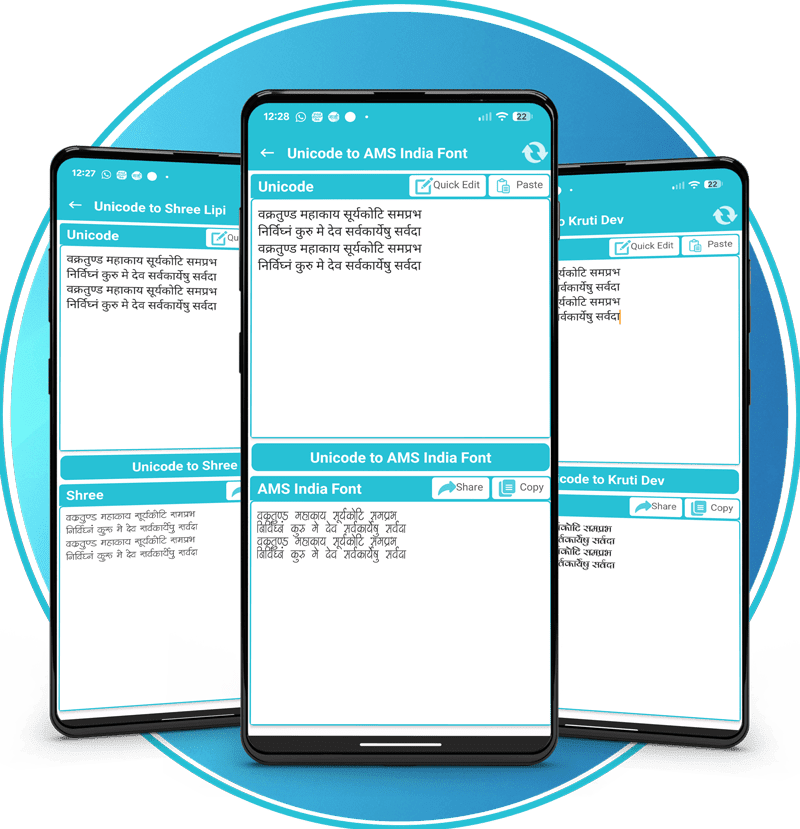
Type or Paste Unicode Text

Text will appear on the top box

๐Ÿ”„
Click the Middle Button to Convert

Get converted text from the bottom box

Learn More โ†’
Graphics Material

One Place to Get All Graphics Material

Get All the Trending Graphics Material Like Backgrounds, PNG, Photos, Fonts At a Single Place.

1100+ daily trends material
75+ categories of background
500+ regional fonts
1000+ vectors of various categories
Graphics Material
Calligraphy Tool

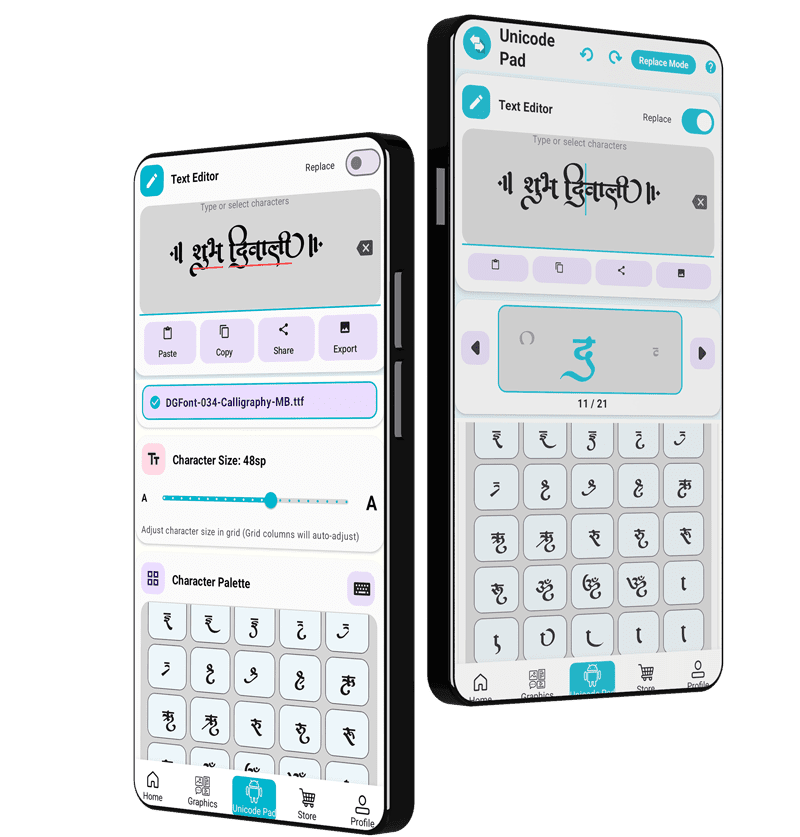
Best Unicode Pad Tool With Replace Character Feature

01
Select Font

Add calligraphy font from your phone. Font will be saved into the app for future use.

02
Character Map

See detailed character map of the selected font with only available characters.
Calligraphy Tool
03
Replace Mode

Replace a specific character with its variation โ€” select using arrow and replace from the character map.

04
Export PNG

Export your calligraphy as a PNG with various size and color options.

Online Translator

All In One Language Text Translator

English to Hindi
FAQ's

Frequently Asked Questions

Select the target font format from the home screen. Type or paste your Marathi/Hindi text into the top text box. Tap Convert โ€” the converted code appears in the bottom box. Click Copy or Share to use it in a design app.
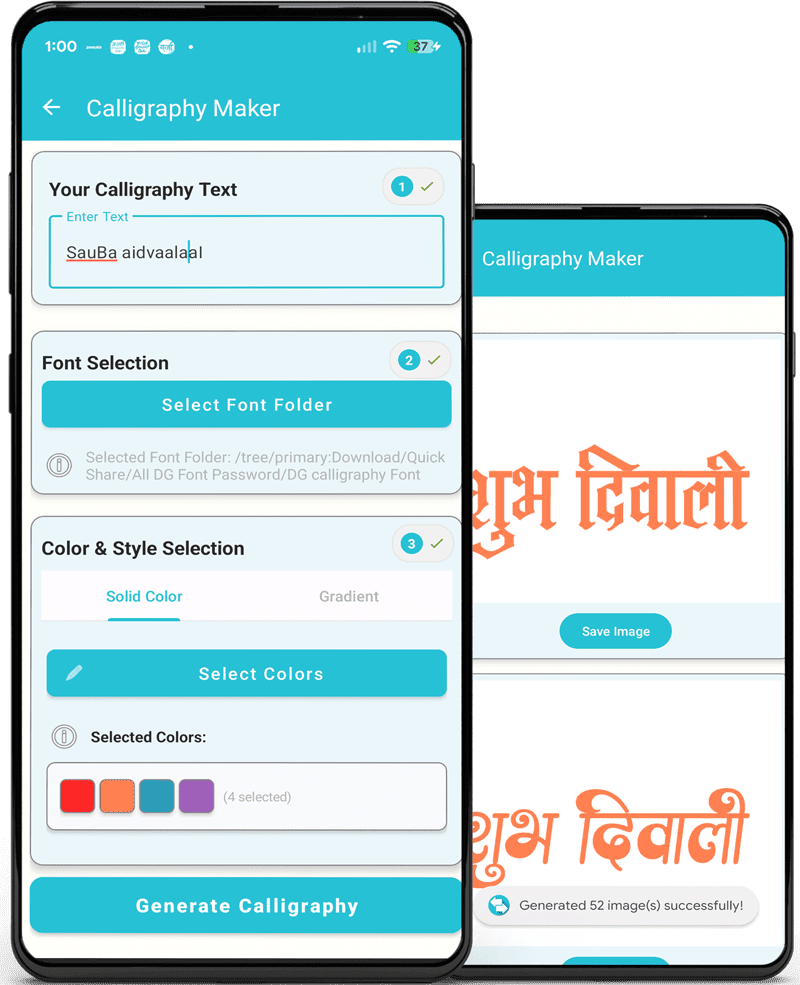
Open the Calligraphy Generator tile. Type your text in the input field. Select a calligraphy style and choose a background or color gradient. Tap Export/Save to download the design as a high-quality PNG.
Select the Multilingual Text Translator feature. Choose your target language. Type in English and press Spacebar โ€” the app automatically transliterates it into the selected script.
Go to the Graphics section and browse assets by category. Tap a thumbnail to preview. Click Download to save directly to your device gallery.
Tap the Crown icon or Remove Ads banner in the app. Log in with Google. Select a plan (Weekly, Monthly, or Yearly) and complete payment via Google Play to remove ads and earn Post Credits.

Have Any Question?

We're here to help. Send us a message and we'll get back to you.

Menu