
- font_admin
- December 3, 2025
- Desktop PublishingDV AlankarFont ConverterMarathi font conversionMarathi TypingUnicode
The Ultimate Guide to the Unicode to DV Alankar Marathi Font Converter
In the world of regional language computing and desktop publishing, accurate font conversion is crucial. When working with Marathi, the switch between modern standard encodings and legacy proprietary fonts can often be a headache. Fortunately, specialized tools simplify this transition. This guide explores the essential function and features of the highly effective Unicode to DV Alankar converter, providing a seamless solution for typists, designers, and publishers alike.
Why You Need a Unicode to DV Alankar Converter
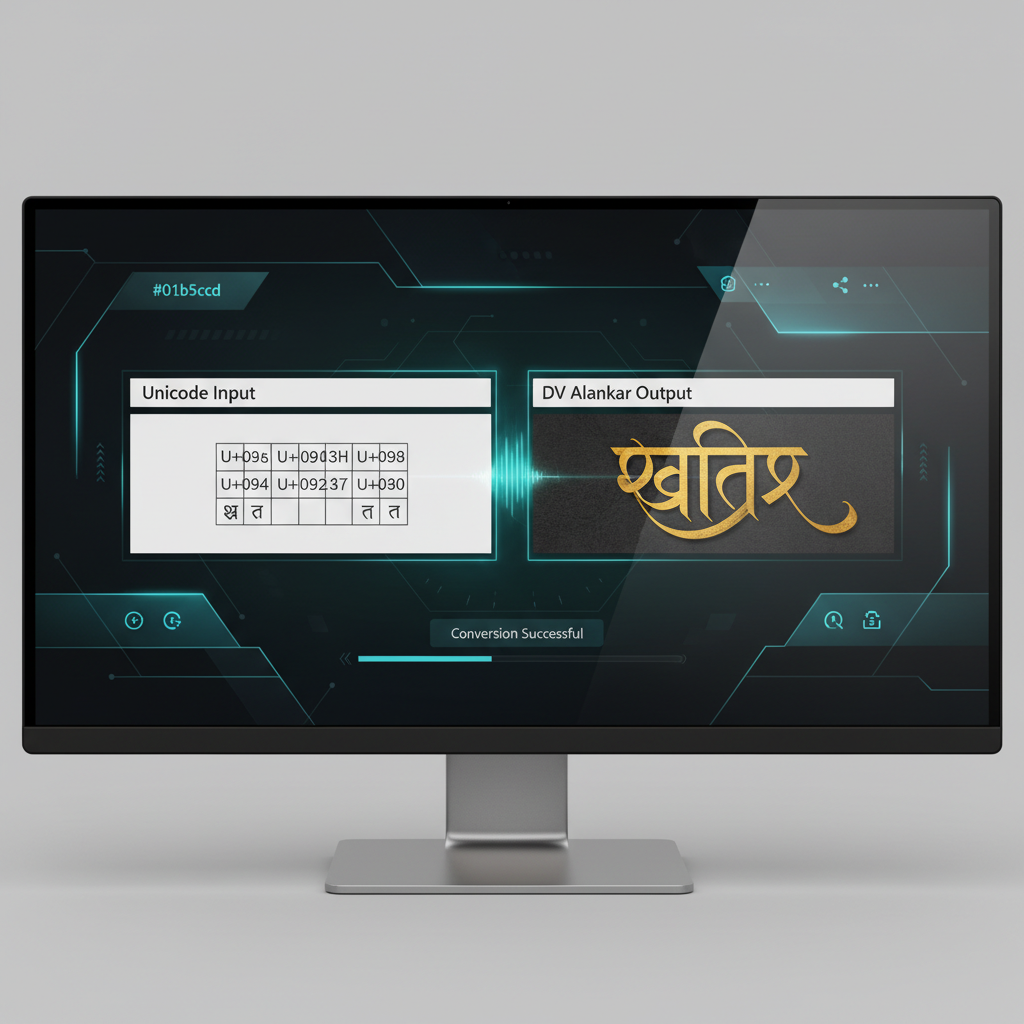
Unicode is the global standard for text encoding, enabling Marathi text to be viewed consistently across all modern devices and operating systems. However, older publishing houses, legacy software, and traditional design workflows often rely on specific proprietary fonts, such as DV Alankar. The need for conversion arises when Unicode text—perhaps drafted in Microsoft Word or online—must be used in a system that only recognizes the DV Alankar format.
Understanding the Conversion Gap
Legacy fonts like DV Alankar are based on non-standard encoding schemes, meaning the character set does not map directly to Unicode. Consequently, if you open a Unicode file using a legacy font, the text will appear garbled or incorrect. This technical discrepancy makes a dedicated tool indispensable for maintaining data integrity and readability.
Key Benefits of Using the Right Tool
- Accuracy: Ensures precise character mapping without errors.
- Time-Saving: Converts large volumes of text instantly, eliminating manual retyping.
- Compatibility: Guarantees that documents are usable in legacy DTP (Desktop Publishing) software.
- Workflow Streamlining: Integrates easily into professional Marathi publishing processes.
Step-by-Step Guide: Using the Unicode to DV Alankar Converter Tool
Using a high-quality online Unicode to DV Alankar converter is surprisingly simple and requires no software installation. Therefore, anyone can achieve accurate results in just a few clicks. Furthermore, the best tools prioritize speed and user experience.
How to Perform the Conversion Quickly
- Input Source Text: Copy the Unicode text you wish to convert from your source document (e.g., a website, email, or word processor).
- Paste into Converter: Paste the copied Unicode text into the input box provided by the converter tool.
- Select Conversion Type: Confirm that the selected conversion is ‘Unicode to DV Alankar’.
- Execute Conversion: Click the ‘Convert’ or ‘Generate’ button. The tool processes the text based on its internal mapping algorithm.
- Retrieve Output: Copy the newly generated DV Alankar text from the output box. It is now ready to be pasted into your DTP software, such as PageMaker or CorelDraw, provided the DV Alankar font is installed on your system.

Troubleshooting Common Conversion Issues
While modern conversion tools are highly reliable, occasional issues can arise, particularly due to hidden formatting or unusual characters in the source text. Consequently, knowing how to troubleshoot is essential for a smooth workflow.
Text Appearing Garbled After Conversion
- Check Font Installation: Ensure the DV Alankar font family is correctly installed and active on the computer where you are viewing the output. If the font is missing, the converted text will still display incorrectly.
- Clean Source Text: Sometimes, invisible HTML tags or special characters from the source document interfere with the converter. Try pasting the Unicode text into a plain text editor (like Notepad) first, then recopying it into the Unicode to DV Alankar converter.
- Browser Compatibility: Though rare, browser issues can sometimes affect online tools. Try clearing your cache or using a different web browser.
The transition from Unicode back to legacy fonts is a necessary bridge for industries maintaining historical documentation and workflows. Having a robust and dependable converter is not just a convenience; it’s a fundamental operational requirement for Marathi language publishing.
— A Regional Publishing Expert
Future Considerations for Marathi Typography
While Unicode is clearly the future, the practical need for DV Alankar conversion persists. Professionals will continue to encounter files created years ago that require updating or modification in legacy DTP environments. Therefore, tools that accurately map the complex nuances of the Marathi script between these two systems remain vital.
Using an advanced converter not only solves immediate formatting problems but also ensures the longevity and accessibility of Marathi digital content, regardless of the technological era it originated in. By utilizing reliable resources, users guarantee that their content remains perfectly readable and professional across all platforms.
Make the conversion process painless and efficient today by leveraging the power of a dedicated online tool.