
- font_admin
- November 17, 2025
- AMS FontFont ConverterHindi FontLegacy Font ConversionMarathi FontTypography ToolUnicode
The Essential Unicode to AMS Font Converter Tool
In the world of digital typography, especially for regional languages like Marathi or Hindi, the need to bridge old and new font standards is critical. This is where the Unicode to AMS Converter tool becomes indispensable. It serves as a necessary utility for professionals, students, and enthusiasts who frequently work with legacy documents that rely on older, non-standardized fonts like AMS, but need to update them for modern digital compatibility (Unicode).
Legacy font systems, while historically important, often cause display errors or compatibility headaches when moved across different operating systems or web platforms. Furthermore, modern digital platforms almost exclusively support and mandate Unicode encoding. Consequently, having a reliable conversion tool is not just convenient—it’s essential for preserving data integrity and accessibility.
Why Use a Unicode to AMS Converter?
The shift from older, proprietary encoding standards to Unicode has been comprehensive across the tech industry. However, millions of documents still exist in older formats. Using a specialized Unicode to AMS Converter addresses several critical needs:
- Compatibility: It ensures that text authored in Unicode can be correctly displayed, edited, and printed on systems that only support AMS or other non-Unicode fonts.
- Data Preservation: It helps organizations migrate vast archives of old documents into a modern, searchable format without loss of content.
- Efficiency: Manual retyping or reformatting is time-consuming and error-prone. This tool automates the process instantly.
- Standardization: It allows content creators to work exclusively in Unicode (the international standard) while retaining the flexibility to output in required legacy formats when necessary.
How the Unicode to AMS Converter Works (Step-by-Step)
The conversion process is designed to be straightforward and fast, requiring no technical expertise. Most high-quality converters, including the one linked below, follow a simple three-step procedure. We will now walk through the precise steps required to successfully utilize the Unicode to AMS Converter.
- Step 1: Input Unicode Text. Locate the Unicode text you wish to convert. This could be a document section, an email, or text copied from a modern website. Paste this text into the designated input box on the converter interface.
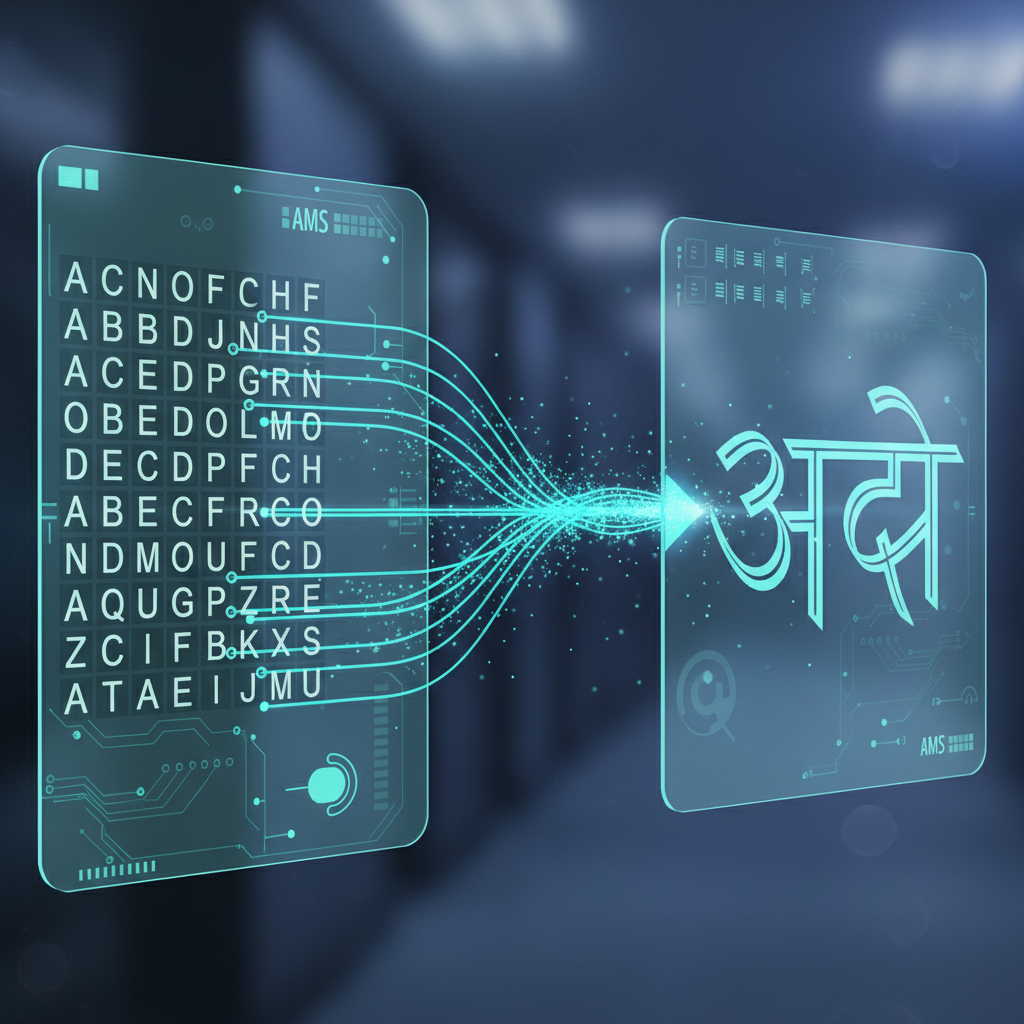
- Step 2: Initiate Conversion. Click the conversion button, often labeled ‘Convert to AMS’ or ‘Unicode to AMS’. The tool’s internal algorithms rapidly map the Unicode character codes to the corresponding AMS font glyphs.
- Step 3: Copy Output Text. The converted text will appear in the output box, ready to be copied and pasted into your target application (e.g., specific desktop publishing software or older word processors).

Understanding AMS Fonts and Legacy Systems
AMS fonts are primarily associated with certain legacy software and printing presses in the Indian subcontinent. Unlike Unicode, which assigns a unique number to every character regardless of platform, AMS relies on specific keyboard layouts and font files tied to older operating environments.
Consequently, if you open an AMS document without the correct font installed, the text will often appear as gibberish (mojibake). The Unicode to AMS conversion process effectively reverses this issue, allowing modern, clean text to be rendered visually correctly in those older systems.
Migrating legacy documents to modern standards is one of the biggest challenges in regional digital archiving. Tools like the Unicode to AMS Converter are vital bridges in this process.
Digital Archiving Specialist
Key Features of a High-Quality Converter
Not all conversion tools are created equal. When choosing a utility, especially one as crucial as a font converter, ensure it possesses certain features to maximize accuracy and usability. These features guarantee a smooth transition when utilizing the Unicode to AMS Converter for important projects.
Accuracy and Speed
The core function must be flawless mapping. The tool should handle complex vowel signs and conjunct consonants found in Indic scripts without distortion. Furthermore, the conversion must be instantaneous, even for large blocks of text.
User Interface (UI)
A clean, ad-free interface dramatically improves productivity. Look for tools that offer simple copy-paste functionality, clear conversion controls, and optional features like font customization or text editing within the application.
Troubleshooting Common Unicode to AMS Converter Issues
Occasionally, users may encounter minor issues. If your converted text doesn’t look correct in the target application, it usually relates to the final steps of implementation. For instance, always ensure that the specific AMS font file required by the target application is installed on your system.
Another common problem is trying to paste the converted text into a Unicode-only environment. Remember, the output is designed for legacy systems. Always verify your destination application’s requirements. Consequently, understanding the destination is as important as the conversion process itself.
Convert Text Seamlessly Today
The demand for quick, reliable font conversion will persist as older systems slowly phase out. Utilizing a dedicated Unicode to AMS Converter eliminates friction and ensures cross-platform compatibility for your valuable regional language content. Therefore, whether you are managing old government records or designing new material for legacy printing, this tool is an absolute must-have.
Ready to simplify your typography workflow? Click the button below and start converting your text instantly!