
- font_admin
- November 26, 2025
- Character InputLinguisticsOnline ToolsSpecial CharactersUnicodeWeb Tools
Mastering Digital Communication: The Essential Guide to the Unicode Pad
In the modern digital landscape, communication transcends simple ASCII characters. We often need to access a vast array of symbols, special characters, and non-Latin scripts. This is where the **Unicode Pad** becomes an indispensable tool. It serves as an intuitive online interface that grants users access to the entire Unicode character set, enabling precise and comprehensive digital input.
The need for such a tool arises from the limitations of physical keyboards. A standard keyboard can only handle a fraction of the world’s textual data. Consequently, if you are a writer, programmer, or language enthusiast dealing with specific technical symbols or foreign scripts, finding the right character can be a major challenge. The Unicode Pad simplifies this complex process, allowing for instantaneous character retrieval and insertion.
Why You Need a Unicode Pad in the Digital Age
Global digital interactions demand versatility. Whether you are drafting a scientific paper requiring specific mathematical notation, coding in a niche language, or translating ancient texts, standard input methods fail spectacularly. Furthermore, relying on operating system-specific character maps can be slow and inefficient.
The Limitations of Standard Keyboards
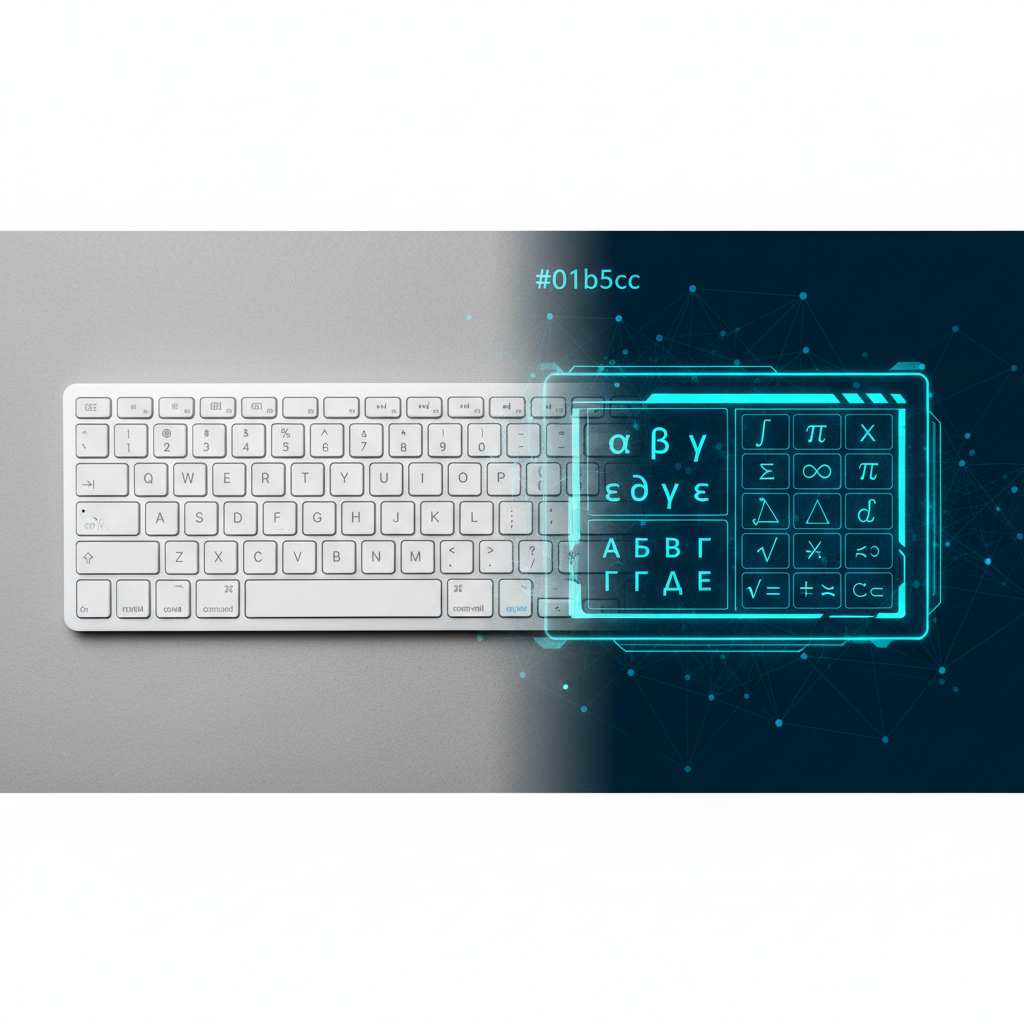
Most physical keyboards are designed for the QWERTY layout, focusing primarily on English letters, numbers, and common punctuation. However, Unicode encompasses over 144,000 characters, including emojis, complex diacritics, currency symbols, and historical scripts. Consequently, standard input methods cannot cover this massive range.
Using the **Unicode Pad** eliminates the cumbersome need for memorizing dozens of cryptic ALT codes or navigating labyrinthine menus. It’s a direct highway to global character input.
Bridging Language and Character Gaps
For linguists and multilingual users, the Unicode Pad is especially vital. It provides access to characters necessary for accurate representation across languages like Hindi, Tamil, Arabic, and specialized European languages. Therefore, the tool ensures that the nuance and integrity of linguistic expression are maintained when translating or creating diverse content.
Key Features and Benefits of Using the Online Unicode Pad
The best online versions of the Unicode Pad are designed for speed and ease of use. They incorporate several features that make them superior to desktop character viewers. We will explore some of the most compelling advantages here:
- Accessibility: Being web-based, the tool is instantly accessible from any device or operating system without installation.
- Comprehensive Character Sets: It typically organizes characters by block (e.g., Latin Extended-A, General Punctuation, Mathematical Operators), making complex character location straightforward.
- Instant Copy/Paste: Users can select and copy the desired character or string of characters directly into their document or code editor with a single click.
- Search Functionality: Many advanced Unicode Pad interfaces offer robust search functionality, allowing users to find symbols by name or code point quickly.
Understanding Unicode Code Points
Every character in the Unicode standard is assigned a unique number, or code point (e.g., U+221E for the infinity symbol). The benefit of using a graphical **Unicode Pad** is that you do not need to memorize these codes. Instead, you click the character, and the tool handles the translation into the correct digital format. This ensures universal compatibility across all modern devices and applications.
How to Effectively Use the Unicode Pad Online
Utilizing this character entry tool is simple, but following a few steps ensures maximum efficiency. Furthermore, adopting this workflow will drastically speed up your specialized content creation.
- Access the Tool: Navigate to the designated Unicode Pad webpage.
- Locate the Character Block: Use the navigation or dropdown menus to select the specific character block you need (e.g., Arrows, Currency, or Greek letters).
- Select and Compile: Click on the desired characters. They will often appear in a preview area or an input box where you can compile a string of complex characters.
- Copy and Paste: Once the desired text is compiled, click the ‘Copy’ button. You can then paste the resulting string directly into your word processor, website field, or programming environment.
Who Benefits Most from Using a Unicode Pad?
While anyone creating digital content can benefit, certain professions find the ease and speed of the Unicode Pad to be absolutely critical to their workflow:
Technical Writers and Scientists
They frequently require Greek letters, mathematical symbols (e.g., integrals, summation signs), and specialized unit marks that are not on the standard keyboard layout.
Programmers and Developers
Dealing with different encoding standards and needing specific control characters or symbols for configuration files or internationalized software requires reliable Unicode input.
Linguists and Translators
When working with endangered languages, historical scripts, or requiring non-standard diacritics, the comprehensive nature of the Unicode Pad is irreplaceable.
Graphic Designers and Artists
They use the pad to access unique typographic flourishes, dingbats, and decorative symbols to enhance design projects, giving their work a distinct visual edge.
Conclusion: Master Your Character Input with the Unicode Pad
In summary, the Unicode Pad is more than just a character map; it is an empowerment tool for global, precise digital communication. It overcomes the physical limitations of hardware and allows users to fully harness the expressive power of the Unicode standard. If you frequently find yourself searching for a symbol that your keyboard simply cannot produce, the Unicode Pad is the definitive solution.