
- font_admin
- November 26, 2025
- DG Fontdigital archivingFont Encodinglegacy systemsMarathi conversionUnicode to DG Converter
Unicode to DG Converter: The Essential Tool for Marathi Legacy Fonts
In the digital landscape of Indian languages, especially Marathi, managing different font standards can be a significant challenge. Many older documents and databases rely on non-Unicode fonts like DG font, while all modern systems utilize the universal standard of Unicode. Bridging this gap requires a specialized utility. This is where the Unicode to DG Converter becomes an essential tool for content creators, researchers, and administrators dealing with Marathi text.
The conversion process might seem technical, but thanks to modern online tools, it has been streamlined and made accessible to everyone. We will explore exactly why this specific converter is crucial, how it works, and how it ensures your valuable legacy data remains usable and accurate.
Why Migration to DG Font is Sometimes Necessary
While Unicode is the universally accepted and recommended standard today, there are numerous scenarios where converting text back to a legacy font like DG is unavoidable. This is particularly true when dealing with old publishing systems, proprietary software, or specific archive requirements that were built around the DG character set. Furthermore, older government documents or educational materials often rely on these specific fonts.
Understanding the DG Font System
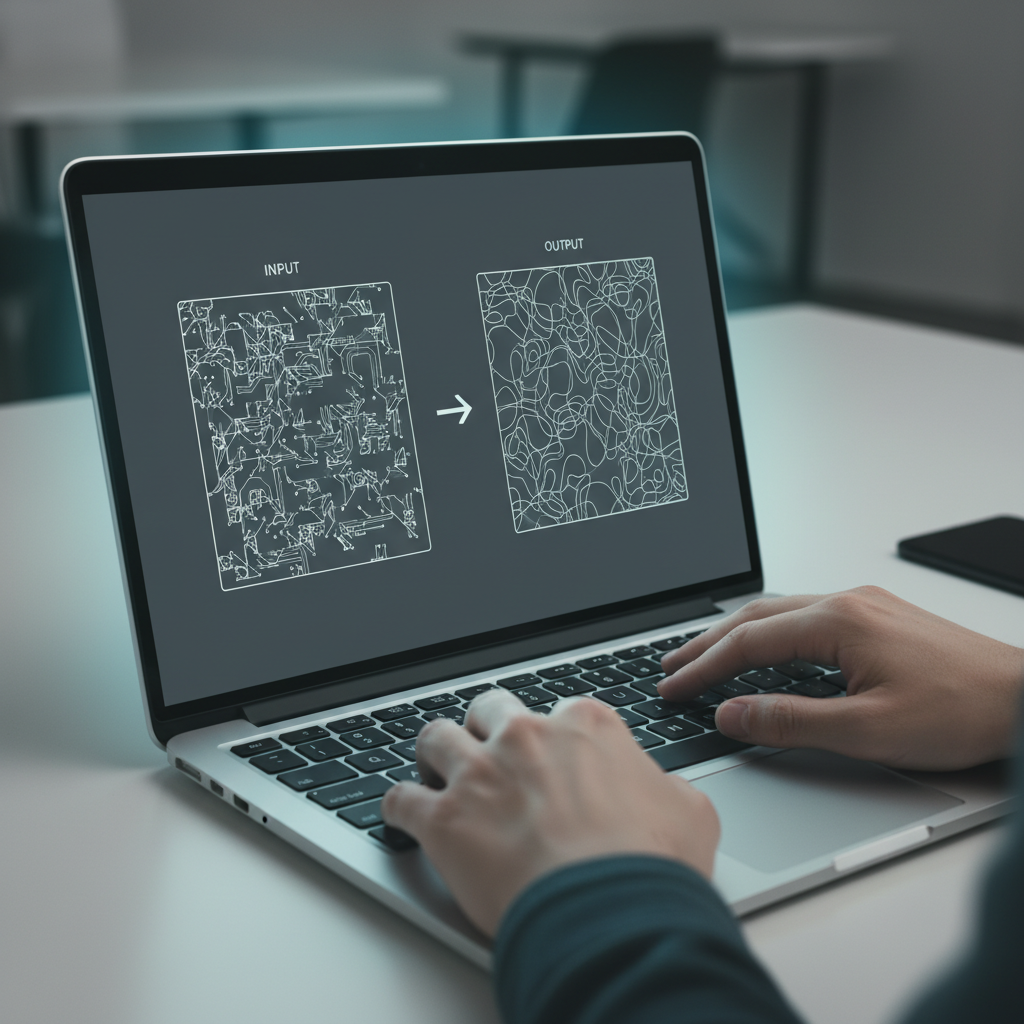
DG font is an ancient character encoding system that maps Marathi characters to specific keystrokes in a non-standard way. Since it doesn’t adhere to the Unicode standard, text written in DG font often appears as gibberish if the specific font file isn’t installed on the viewing computer. Consequently, transferring this text to a modern environment (which uses Unicode by default) causes display errors.
However, if you are migrating data into an older system, you need the text in the required DG format. This reversal process—from clean Unicode back to DG—is precisely the task of a reliable Unicode to DG Converter.
Step-by-Step Guide: Using the Unicode to DG Converter
Utilizing the converter is a straightforward process designed for maximum speed and accuracy. You do not need to be a technical expert to achieve perfect results. Follow these simple steps to transform your Unicode Marathi text into the compatible DG font format:
- Input Your Text: Copy the Unicode text you wish to convert from your source document (e.g., a Word file, email, or web page).
- Paste into the Tool: Navigate to the converter page and paste the copied Unicode text into the designated input box.
- Execute Conversion: Click the “Convert” button. The tool instantly processes the input using sophisticated mapping algorithms.
- Retrieve DG Output: The converted text will appear in the output box, now encoded in the DG font format.
- Copy and Use: Copy the resulting text and paste it into your target application or document that requires the DG font.
This entire process takes just seconds, minimizing downtime and ensuring productivity. Furthermore, the tool guarantees that all complex ligatures and character placements are preserved accurately during the mapping.
Key Advantages of a High-Quality Unicode to DG Converter
Choosing a reliable conversion utility is vital to avoid garbled text and data corruption. Consequently, a superior tool offers several distinct advantages over manual attempts or outdated software:
Precision and Accuracy
The best converters use comprehensive character mapping tables, ensuring that every Unicode character is correctly translated to its DG counterpart. This prevents the frustrating errors commonly seen in lesser tools, such as misplaced vowels or missing conjunct consonants.
- Handles complex Marathi characters seamlessly.
- Zero loss of formatting during conversion.
- Supports large volumes of text quickly.
Accessibility and Speed
Since the tool is web-based, there is no need for software installation or configuration. It works across all operating systems and browsers, offering instant access wherever you are. Therefore, professionals can handle emergency data conversions efficiently without delay.
Using the Unicode to DG Converter saved our archive project weeks of manual data entry. The accuracy and speed are unmatched.
— Marathi Document Archiver
Technical Differences: Unicode vs. DG Encoding
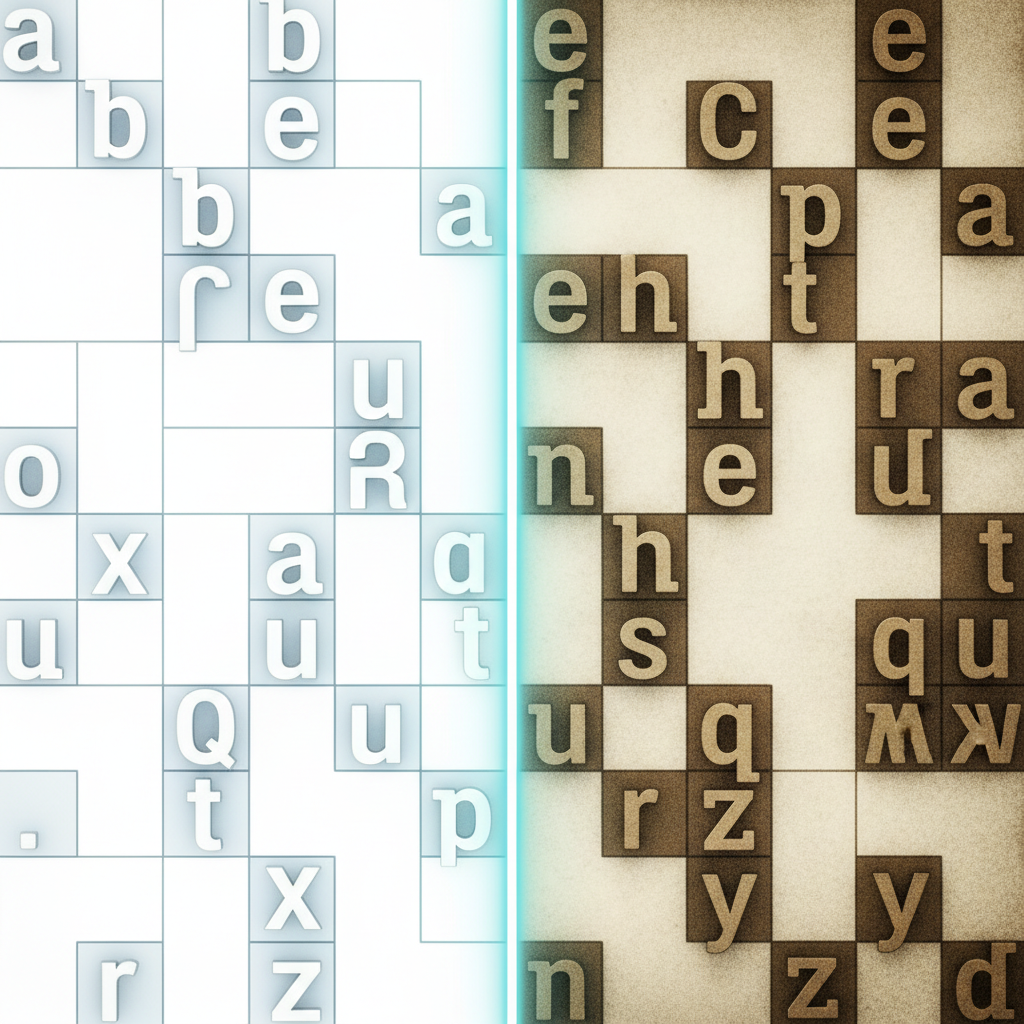
To truly appreciate the functionality of the converter, it helps to understand the fundamental difference between these two encoding standards.
Unicode
Unicode assigns a unique number to every character, regardless of the platform, program, or language. For Marathi, this is managed under the Devanagari block. It is the modern standard, ensuring global consistency and compatibility across the internet and modern software.
DG Font
DG font is an ASCII-based, keystroke-dependent encoding. The characters are encoded using the basic English character set (A-Z, 0-9), and only render correctly if the proprietary DG font file is installed and active. This older method leads to frequent display issues when shared outside closed systems.
The complexity arises because a single Unicode character might be composed of multiple characters in the DG encoding (or vice versa). The converter handles this intricate, many-to-one or one-to-many mapping flawlessly, making the transition reliable.
Ensuring Data Integrity with the Unicode to DG Converter
Data integrity is paramount when working with historical or legally important documents. Using an unreliable converter risks irreversible data corruption. This tool provides a verified, tested method for backward compatibility.
Consequently, organizations that frequently handle legacy systems alongside modern ones rely on such conversion utilities to maintain both compatibility streams simultaneously. If you find yourself needing to quickly prepare modern text for use in an older application, this is the solution.
To sum up, the digital world demands flexibility. Whether you are preserving old archives or integrating data into proprietary software, having a dependable Unicode to DG Converter ensures your Marathi text is always where it needs to be, in the format required.