
- font_admin
- December 8, 2025
- Devanagari FontDG FontMarathi Font ConverterOnline ToolUnicode Conversion
Unicode to DG Converter: Fast & Easy Marathi Font Conversion Tool
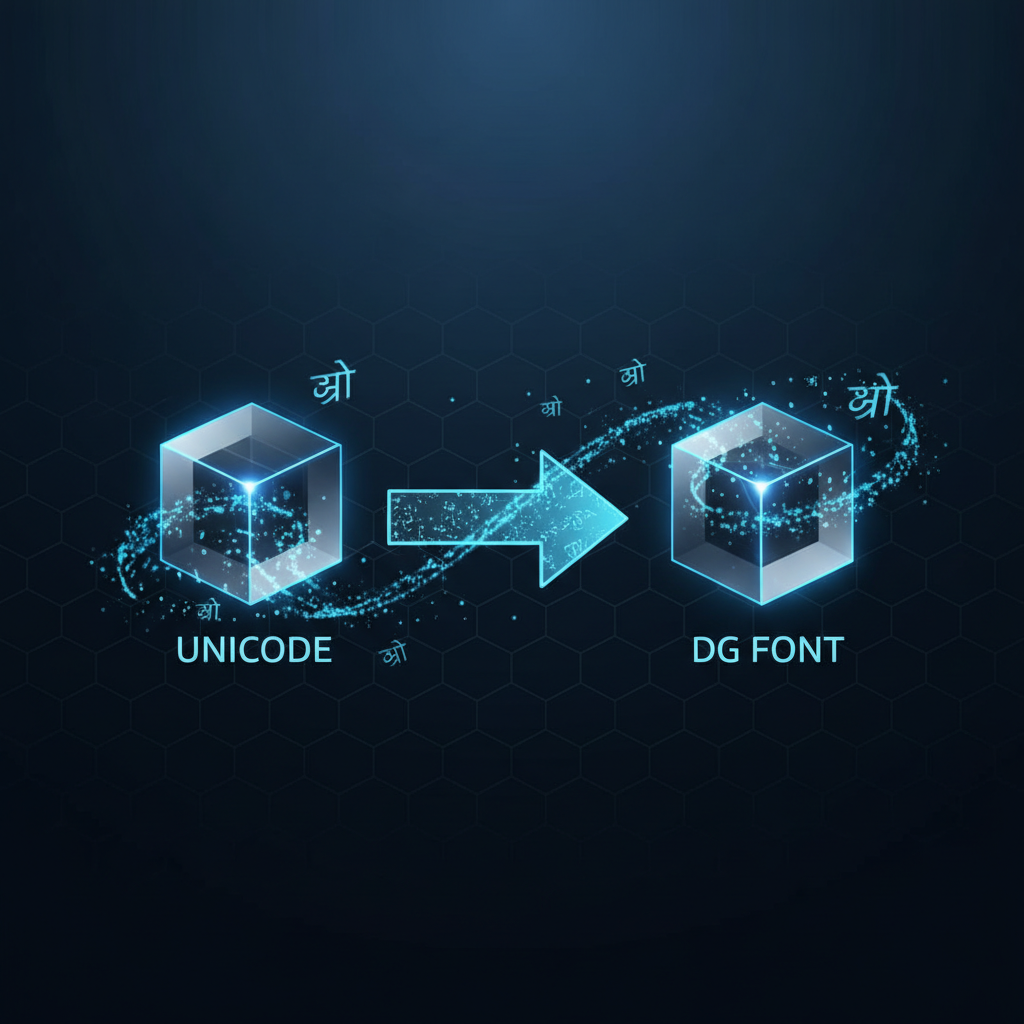
The digital landscape often requires seamless compatibility between various encoding standards, particularly when dealing with regional languages like Marathi. If you work with documents or web content that uses the popular DG Marathi font, you frequently encounter the challenge of converting standard Unicode text into the specific DG format. This is where a reliable Unicode to DG Converter becomes essential.
Understanding the Need for Unicode to DG Conversion
Unicode is the universal standard for encoding text, allowing seamless display across operating systems and devices. However, older or proprietary systems, especially in niche publishing or government sectors, often rely on legacy fonts like DG Marathi. Consequently, if you receive Unicode text but need to input it into a system that only recognizes DG, manual retyping is impractical, and automatic conversion is necessary. Furthermore, maintaining the integrity of the original text during this conversion process is paramount.
What is DG Font?
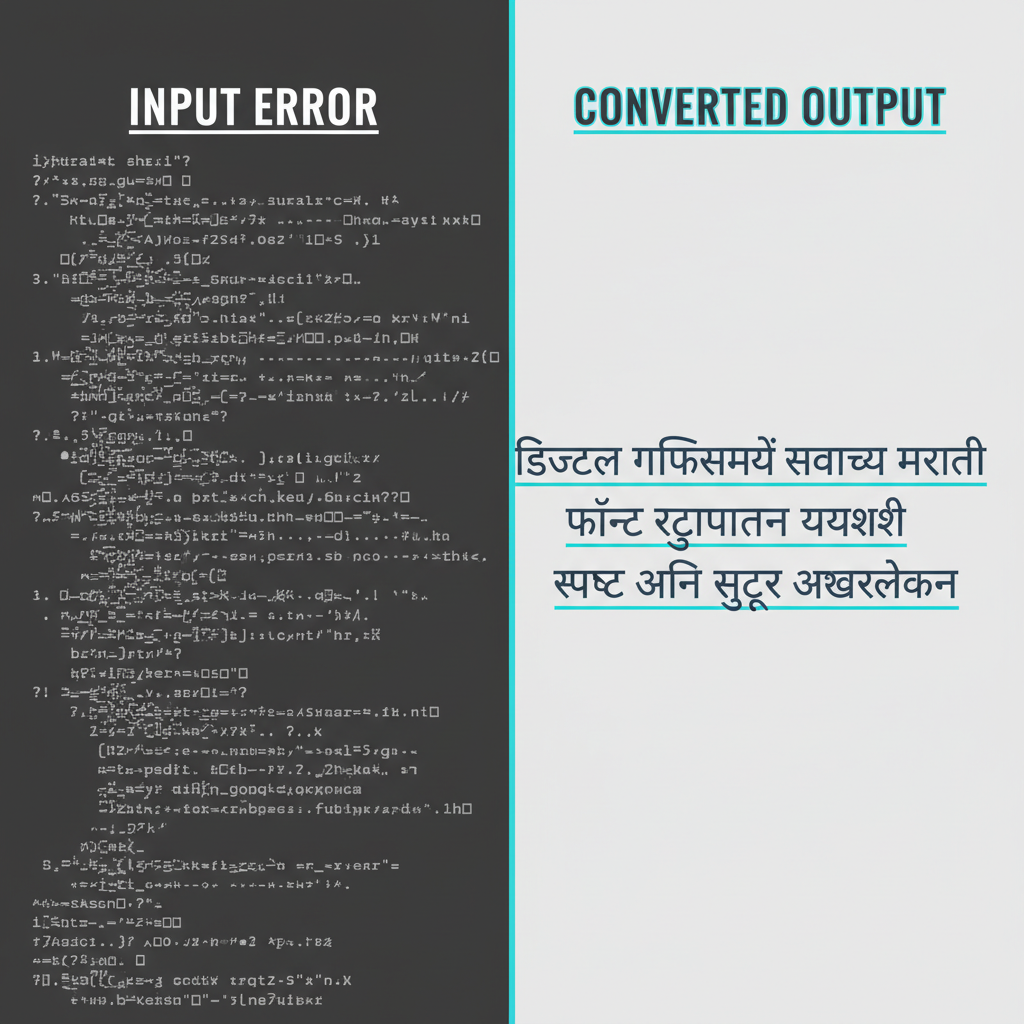
The DG font (often associated with Devnagari scripts) is a non-Unicode font widely used in specific traditional publishing workflows, particularly for Marathi. Unlike Unicode, which maps characters consistently, DG uses a custom encoding scheme. Therefore, text encoded in Unicode will look like gibberish when viewed through a DG font environment without proper conversion.
Choosing the right conversion tool ensures that character structure and meaning are preserved, saving hours of manual correction and verification.

How to Use the Unicode to DG Converter Tool (Step-by-Step Guide)
Using our dedicated online tool to facilitate the conversion from Unicode to DG is incredibly straightforward. You don’t need any special software installation or technical expertise. Just follow these simple steps, and your converted text will be ready in moments.
- Access the Converter: Navigate directly to the online **Unicode to DG Converter** page linked below.
- Paste Your Unicode Text: Copy the text you wish to convert and paste it into the designated input box labeled ‘Unicode Text’.
- Initiate Conversion: Click the button, typically labeled ‘Convert’ or ‘Generate DG Font’. The converter algorithm instantly processes the text, mapping each Unicode character to its corresponding DG character equivalent.
- Review and Copy: The output box will display the newly converted text in the DG format. Review it briefly, then use the ‘Copy’ button to transfer the converted text to your clipboard.
Key Benefits of Using Our Online Unicode to DG Converter
Switching between encoding schemes should not be a laborious process. Our converter is designed for speed, precision, and accessibility, ensuring maximum productivity for users dealing with Marathi text.
- High Accuracy: The conversion engine uses comprehensive mapping tables built specifically for DG Marathi, minimizing errors and preserving ligatures and conjuncts.
- Time Efficiency: What would take hours of manual input can be completed in seconds, drastically improving workflow speed.
- Accessibility: Being an online tool, it works across all major browsers and operating systems (Windows, Mac, Linux).
- Free and Unlimited Use: There are no restrictions on the amount of text you can convert, making it ideal for both small tasks and large documentation projects.
Why Precision Matters in Unicode Conversion
When dealing with scripts like Devnagari, character integrity is vital. A poorly designed converter can break compound letters or substitute incorrect characters, leading to corrupted text. Therefore, always verify that your resulting DG output is perfectly aligned with the original Unicode input.
Troubleshooting Common Conversion Issues with the Unicode to DG Converter
While our tool is highly reliable, users occasionally encounter minor hurdles. Here are some of the most frequent issues and how to resolve them quickly.
Issue 1: Formatting Loss
The converter focuses purely on character encoding, not rich formatting (bold, italics, font size). Consequently, if your Unicode input contained advanced styling, you might need to reapply that formatting after pasting the DG output into your final document.
Issue 2: Display Errors After Conversion
If the converted DG text looks incorrect when you view it, the issue often lies with the viewing environment. Ensure that the application or system where you paste the DG text has the specific DG font installed and correctly selected. If the font isn’t installed, the system defaults to a standard font, showing garbled characters.
However, if the issue persists after checking the font installation, try clearing your browser cache and attempting the conversion again. Furthermore, double-check that your initial input was indeed standard Unicode text, as mixing encodings can lead to conversion failure.
Conclusion: Simplify Your Workflow with the Right Tool
Managing language encodings doesn’t have to be complicated. The dedicated Unicode to DG Converter provides a robust, fast, and accurate solution for anyone working with Marathi text that requires conversion between these two major formats. It supports professional publishing needs, data entry tasks, and archival efforts, ensuring that linguistic data remains accessible and properly formatted.
Don’t waste time struggling with manual conversions or unreliable scripts. Use the streamlined tool today and experience true conversion efficiency.