
- font_admin
- December 10, 2025
- Devanagari ConverterDTP FontsMarathi font conversionOnline ToolShree LipiUnicode
The Essential Unicode to Shree Lipi Marathi Font Converter Guide
In the world of regional language computing, bridging the gap between modern standards and legacy formats is a common challenge. For users dealing with Marathi text, this often means moving content from the universally accepted Unicode standard back into older, proprietary formats like Shree Lipi. Fortunately, a powerful and dedicated tool exists: the Unicode to Shree Lipi Converter. This essential online utility streamlines the process, ensuring your Marathi documents are perfectly formatted for use in desktop publishing (DTP) environments and older software that rely on the Shree Lipi standard.
Did you know? Shree Lipi was one of the earliest and most widely adopted proprietary fonts for Marathi and Hindi DTP before Unicode became the global standard.
Font History Insight
Why You Need a Unicode to Shree Lipi Converter
While Unicode is excellent for web browsers, mobile devices, and most modern operating systems, older or specialized systems sometimes require text encoded in specific legacy fonts. For Marathi professionals—especially publishers, graphic designers, and government employees—Shree Lipi remains relevant for specific tasks. Therefore, being able to quickly transform Unicode data into the Shree Lipi format is non-negotiable for workflow efficiency.
Furthermore, incompatibility issues can halt production. Imagine receiving a document written in standard Unicode but needing to edit it using DTP software built around Shree Lipi; this converter solves that immediate problem. Consequently, having a reliable conversion mechanism saves time and prevents tedious manual retyping.
Understanding the Difference: Unicode vs. Shree Lipi
To truly appreciate the value of the Unicode to Shree Lipi Converter, it helps to understand what each system is designed to do. Both are ways of representing Devanagari script (used for Marathi), but they approach encoding differently.
Unicode (Universal Standard)
- Represents characters based on meaning, not appearance.
- One code point for every character across platforms.
- Ideal for databases, web, email, and modern OS.
- Text is fully searchable and accessible everywhere.
Shree Lipi (Proprietary Font)
- Represents characters based on visual display (often keyboard layout dependent).
- Legacy format common in pre-2000s DTP.
- Requires the specific Shree Lipi font files to be installed.
- Text is often not interchangeable with non-Shree Lipi systems.
The conversion tool acts as a powerful interpreter, reading the universally defined Unicode characters and translating them into the specific key sequences required by the Shree Lipi font encoding. This process ensures visual fidelity when the converted text is pasted into proprietary software.
How to Use the Free Unicode to Shree Lipi Marathi Font Converter
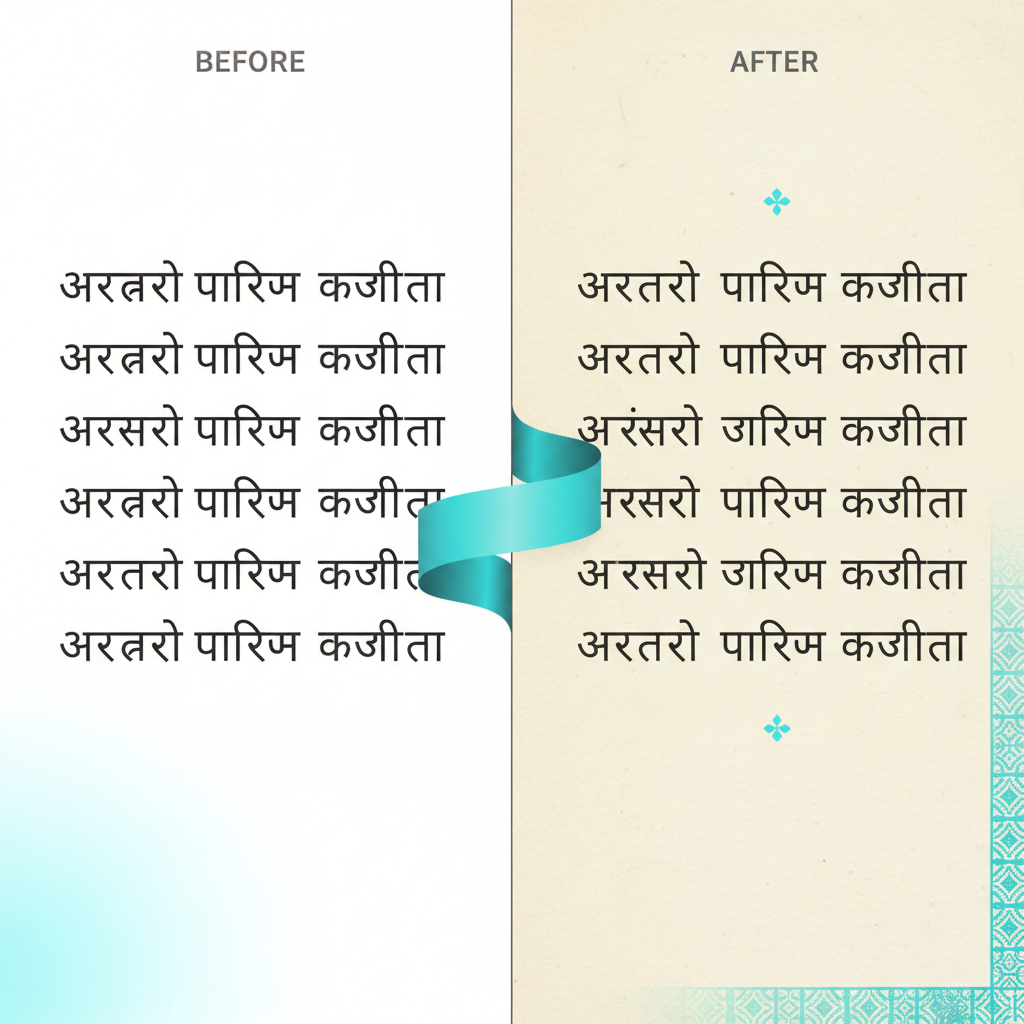
Using the online converter is remarkably straightforward. You do not need to download any software; the entire process happens instantly in your web browser. Below is a simple, step-by-step guide to achieving flawless conversion.
Step-by-Step Conversion Process
- Locate Text: Copy the Unicode Marathi text you wish to convert from its source (e.g., a website, email, or modern document).
- Paste Input: Paste the copied Unicode text into the designated input box on the converter tool page.
- Click Convert: Press the “Convert” button. The tool instantly processes the input.
- Copy Output: The converted text, now in Shree Lipi encoding, will appear in the output box. Copy this text.
- Verify Output: Paste the Shree Lipi text into your target application (like PageMaker or CorelDraw) and ensure the Shree Lipi font is selected to display the text correctly.
This simplicity makes the Unicode to Shree Lipi Converter accessible to users of all technical skill levels.
Access the Tool Instantly
Ready to streamline your desktop publishing workflow? Click the button below to access the high-speed converter now:
Benefits of Using a Dedicated Unicode to Shree Lipi Converter
Choosing a specialized conversion tool over manual work or complex scripting offers significant advantages, especially when dealing with large volumes of data. We explore the key benefits here:
1. Time Efficiency and Accuracy
The primary benefit is speed. Manual conversion or retyping is prone to errors and consumes enormous amounts of time. This converter handles complex orthographic rules automatically, drastically reducing the risk of errors that are common in Devanagari conversion. Furthermore, the conversion happens in seconds, allowing you to focus on design and content refinement.
2. Compatibility with Legacy Systems
For sectors like print media, where infrastructure hasn’t fully migrated to Unicode, compatibility is key. The output generated by the Unicode to Shree Lipi Converter is designed to seamlessly integrate with older operating systems and DTP software versions, ensuring backward compatibility without needing expensive upgrades or new software licenses.
3. Cost-Effective Solution
Since this tool is typically offered free online, it eliminates the need to purchase specialized, expensive software that might only be used occasionally. Therefore, it provides a highly cost-effective and accessible solution for freelancers, small agencies, and individuals who need intermittent conversion capabilities.
Tips for Successful Conversion and Troubleshooting
While the process is usually flawless, sometimes users encounter minor issues. Here are a few transition words and tips to ensure smooth operation when using the Unicode to Shree Lipi Converter:
- Install Shree Lipi: Ensure that the Shree Lipi font set is correctly installed on the machine where you intend to view or edit the converted text. Without the specific font, the text will appear as gibberish.
- Check Formatting: Before converting, strip away unnecessary formatting (bold, italics, etc.) from the source Unicode text, as formatting data often interferes with character encoding conversion.
- Verify Matras: Occasionally, complex vowel signs (matras) or conjunct consonants might require double-checking after pasting into the target DTP application. However, high-quality converters are generally very reliable in handling these complexities.
- Use the Right Tool: Always use a dedicated tool like the one provided here, rather than generic online character converters, to ensure accuracy specific to the Marathi Devanagari script.
Conclusion: Empowering Marathi Desktop Publishing
The demand for content creation in regional languages is growing rapidly. Tools like the Unicode to Shree Lipi Converter are essential for maintaining professional standards across different digital and print platforms. By providing a fast, free, and highly accurate method for translating between modern Unicode and legacy Shree Lipi formats, this utility empowers graphic designers, publishers, and Marathi language enthusiasts to work efficiently and reliably. If your workflow requires interacting with legacy DTP systems, integrating this converter into your daily routine is a smart, productivity-boosting decision.
Don’t let font incompatibility slow down your project. Get started with your conversions today!