

The Ultimate Guide to the Unicode to AMS Converter Tool
In the world of digital publishing and regional language documentation, handling different font encodings can be a significant challenge. Specifically for Indian languages like Marathi, converting modern text standards back to older, proprietary formats is often necessary for compatibility with legacy systems or specialized printing processes. This is where a reliable Unicode to AMS Converter becomes indispensable.
Unicode is the global standard, supporting virtually all characters and scripts, ensuring compatibility across all modern devices. However, older software or specific governmental workflows might still rely on legacy fonts like AMS (or similar non-Unicode fonts). Furthermore, bridging this gap requires a precise and efficient conversion tool. We will explore exactly what this tool is, why it is critical, and how to use it seamlessly.
Why Convert Unicode to AMS? Understanding the Workflow
While Unicode represents a massive technological leap in font standardization, the lingering presence of legacy systems means the need for backward compatibility remains strong. Consequently, many users face scenarios where text authored in modern Unicode needs to be rendered in the specific character mapping used by AMS fonts.
- Legacy Software: Many older publishing houses, government offices, or academic institutions use software that only recognizes proprietary AMS encoding for regional scripts.
- Specific Printing Requirements: Some high-precision printing processes or older RIP (Raster Image Processor) systems are hard-coded to interpret AMS font data.
- Preservation of Existing Documents: When updating large archives written entirely in AMS, you may need to convert small insertions back into the legacy format before integrating them.
- Typographical Nuance: Although Unicode supports these scripts, some users prefer the specific look and feel of certain AMS font families.

How to Use the Unicode to AMS Converter Effectively
Using a high-quality Unicode to AMS Converter is surprisingly straightforward. These online tools automate the complex process of character mapping, saving hours of manual retyping and potential errors. Here is a simple, step-by-step guide to achieving perfect conversion:
- Input Text: Copy your Unicode text (which could be from any modern source like a website, document, or email) and paste it into the input box of the converter.
- Select Direction: Ensure the conversion direction is set from ‘Unicode’ to ‘AMS’ (or ‘Indian Font’).
- Initiate Conversion: Click the dedicated conversion button. The tool instantly processes the text based on its internal dictionary mappings.
- Review and Copy Output: The resulting text, now encoded in the AMS format, will appear in the output box. Carefully review the output for accuracy.
- Usage: Copy the newly converted AMS text and paste it into the required legacy application or document.
Ensuring Accuracy with Your Unicode to AMS Conversion
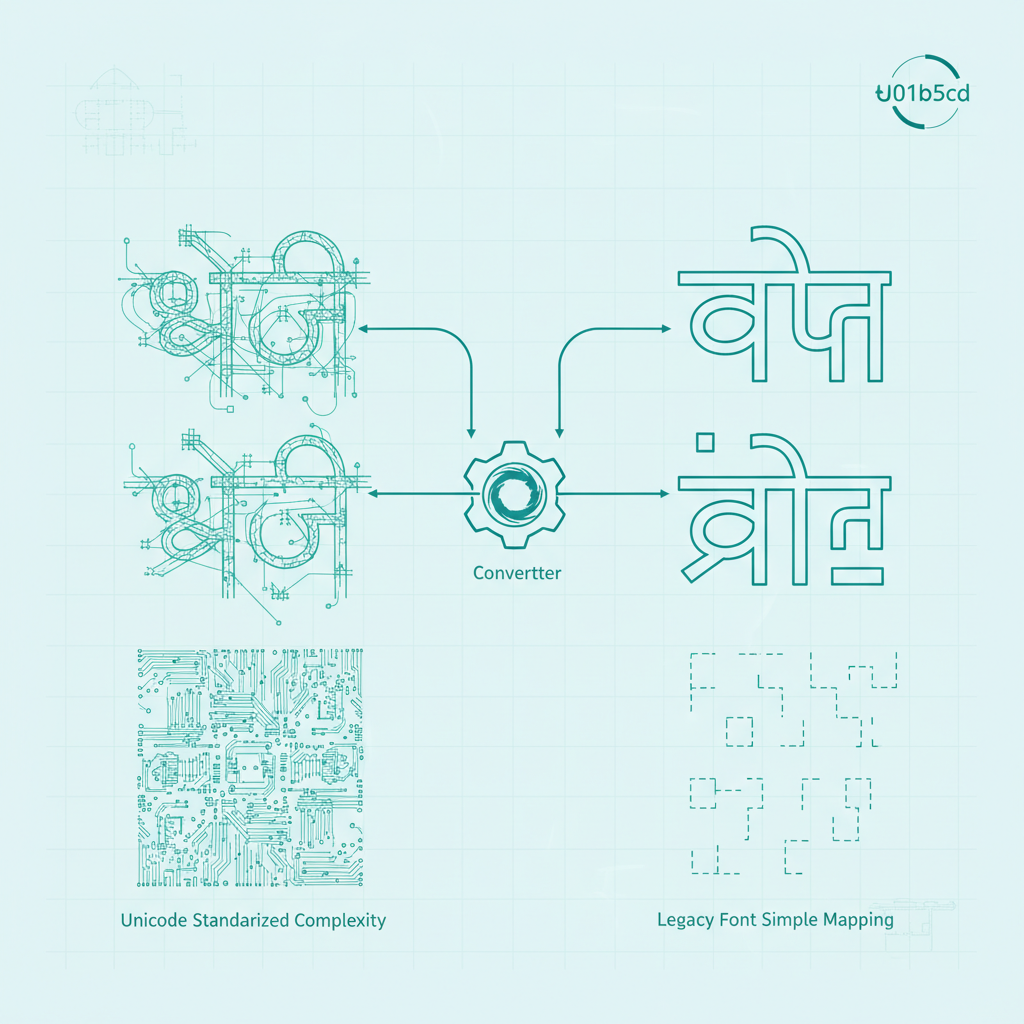
Accuracy is paramount when dealing with language conversion, especially between encoding standards. A reliable Unicode to AMS Converter handles complex conjuncts and ligatures correctly. Therefore, always choose a tool that is frequently updated and known for its precise character mapping. Look for features that handle special characters and punctuation seamlessly.
Pro Tip: After conversion, paste a short segment into the target application to confirm the font renders correctly. Small testing prevents large errors later in the document.
Font Encoding Expert
Technical Differences: Mapping Unicode and AMS Encoding
Understanding the fundamental difference between these two systems clarifies why conversion is necessary. Unicode uses a huge character set (millions of possible characters) and standardizes how computers interpret language globally. Conversely, AMS fonts rely on a limited, 8-bit character set (typically 256 characters) where characters are often “overloaded” or mapped non-intuitively within the ASCII range.
Unicode Characteristics
- Universal and standard character set.
- Characters are logically mapped (e.g., Devanagari ‘क’ has a unique, fixed identifier).
- Contextual rendering (display depends on the font, but the underlying data is standard).
AMS Font Characteristics
- Proprietary and non-standard encoding.
- Characters often require complex typing patterns to achieve desired output.
- Limited character range, leading to compatibility issues outside specific environments.
Choosing the Best Unicode to AMS Converter
When selecting an online tool, evaluate its efficiency and support for specific language variations. The best converters are fast, free, and maintain a high degree of fidelity during conversion. Consequently, they become a vital tool for professionals dealing with regional language data migration.
Furthermore, reliability is key. Using a buggy converter can introduce subtle errors (like misplaced vowels or broken conjuncts) that are extremely time-consuming to fix manually. Therefore, always prioritize established converters that specialize in complex Indic scripts.
Start Converting Your Text Today!
Conclusion: Embracing Both Standards
The Unicode to AMS Converter doesn’t force a choice between old and new technology; it creates a bridge. By allowing seamless conversion, professionals can leverage the global compatibility of Unicode while meeting the specific requirements of older, AMS-dependent systems. Investing a few moments to understand and utilize these conversion tools correctly ensures your documents are accessible and accurate, regardless of the technological era they belong to.
Don’t let font incompatibility slow down your workflow. Use the reliable converter below to ensure your text is ready for any environment.